So, you’ve just unboxed your shiny new water dispenser. It’s sitting proudly in your kitchen or office corner, promising instant refreshment at the perfect temperature. You’ve heaved the heavy water bottle into place (or slid it in neatly, you savvy bottom-loader owner, you) and plugged it in. You press the spigot, and… nothing. Or maybe just room-temperature water. Before you start thinking you’ve got a dud, let me put your mind at ease. The solution is usually found with a simple flick of a switch. Knowing How To Turn On The Hot And Cold Switches is the final, crucial step to unlocking the full potential of your machine.
But this simple action is more than just a step in the setup; it’s the key to controlling your dispenser’s energy use and functionality. Think of it as the command center for your personal hydration station. In this definitive guide from us here at Water Dispenser Pro, we’ll not only walk you through that final setup step but also dive deep into why those switches exist, how to use them smartly, and everything else a new owner needs to know to become a true pro. Let’s get you from unboxing to perfectly chilled (or steaming hot) water in minutes.
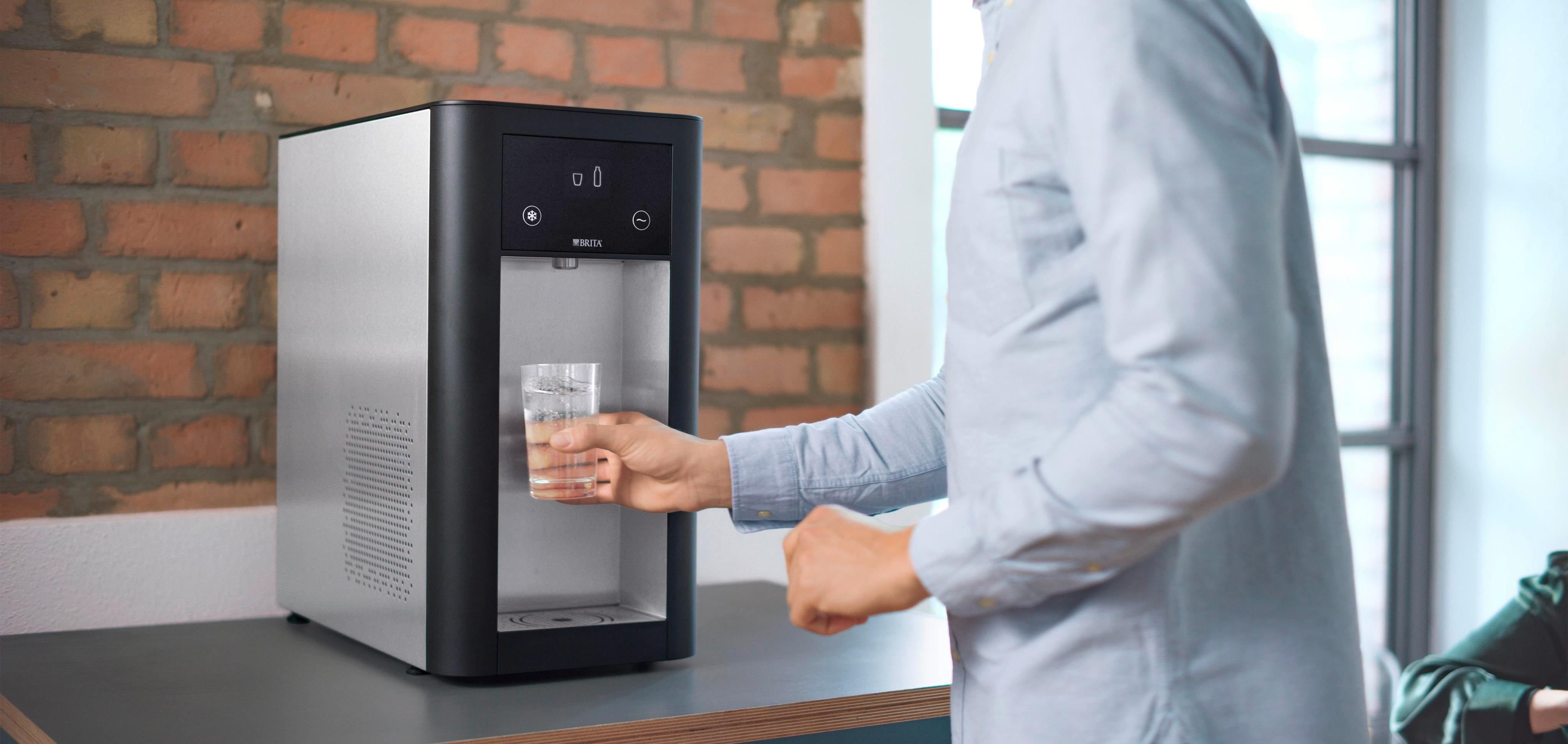
First Things First: Why Are There Separate Switches Anyway?
Ever wondered why manufacturers don’t just have one “on” button? It’s all about choice and efficiency. Having separate controls for the heating and cooling functions gives you complete command over your appliance’s energy consumption.
- Energy Savings: The heating element (for hot water) and the cooling system (for cold water) are the most power-hungry components of a water dispenser. If you only drink cold water in the summer, why pay to keep the hot tank ready? By turning off the function you don’t need, you can significantly reduce your electricity bill.
- Flexibility: Maybe you’re going on vacation, or the office is closed for a long weekend. You can simply turn both switches off without needing to unplug the entire unit.
- Safety: The hot water switch often comes with a child safety lock on the spigot, but the switch itself is the master control. Keeping it off when not needed is an extra layer of precaution, especially with curious little ones around.
Expert Take: As our lead appliance specialist, Johnathan Smith, often says, “Those two little switches on the back are the most underrated feature of a modern water cooler. They turn a simple dispenser into a smart, energy-efficient appliance tailored to your lifestyle.”
The Main Event: How to Turn On the Hot and Cold Switches
Alright, let’s get down to business. While designs vary slightly between brands like Avalon, Brio, or Primo, the process is almost universally the same.
- Crucial First Step: Ensure Water is Flowing! Before you even think about flipping those switches, you must prime the machine. This means making sure water has filled both the hot and cold internal tanks. Press down on both the hot and cold water taps until water flows out steadily from both. Do not skip this step. Turning on the hot switch without water in the tank can burn out the heating element, a mistake we’ve seen happen all too often.
- Locate the Switches. 99% of the time, the hot and cold switches are located on the back of the water dispenser, near the top. They are typically simple rocker switches.
- Identify and Activate. You’ll usually see two switches side-by-side.
- The hot water switch is almost always colored red or marked with a symbol of steam or a red circle.
- The cold water switch is typically green or blue, or marked with a snowflake or blue circle.
- Flip them to the “On” position (usually indicated by “I” while “O” means “Off”). You might hear a faint click or hum as the systems engage.
- Patience is a Virtue. Your work is done, but the machine is just getting started. It doesn’t produce hot or cold water instantly.
- Cold Water: The compressor or thermoelectric system needs about 30 minutes to an hour to bring the water in the cold tank down to its optimal chilly temperature (usually around 40-50°F or 4-10°C).
- Hot Water: The heating element needs about 10-15 minutes to heat the water to near-boiling (around 185-200°F or 85-93°C). Indicator lights on the front of the dispenser will typically turn off or change color when the desired temperature is reached.
And that’s it! You’ve successfully learned how to turn on the hot and cold switches. You’re now ready for a perfectly brewed cup of tea or a refreshingly icy glass of water.
Bảng trống.Beyond the Switches: Choosing Your Perfect Hydration Station
Now that you’re a master of the on/off switch, perhaps you’re helping a friend choose a unit or considering an upgrade. Understanding the different types is key to finding the perfect match. When I was setting up our first “Water Dispenser Pro” office, I had to weigh these exact options.
Top-Loading Water Dispensers
This is the classic design everyone pictures. You hoist a 3 or 5-gallon jug and place it upside down on top of the unit.
- Pros: Generally the most affordable, simple design, easy to see the water level.
- Cons: Lifting the heavy bottles can be a real pain in the back, and spills can happen during the changeover.
Bottom-Loading Water Dispensers
A more modern and ergonomic choice. The water jug sits upright in a cabinet at the base of the dispenser. A pump draws the water up.
- Pros: No heavy lifting, clean and sleek look (the bottle is hidden), less risk of spills.
- Cons: Slightly more expensive and the internal pump is one more mechanical part that could potentially need maintenance down the line.
Point-of-Use (POU) Water Coolers
These are the titans of convenience. They connect directly to your building’s water line, filtering the water on the spot.
- Pros: Endless supply of water (no bottles!), lowest long-term cost, environmentally friendly.
- Cons: Highest initial purchase and installation cost, requires a nearby water line.
Pro Tips for Installation and Long-Term Care
A water dispenser is a reliable workhorse, but a little TLC goes a long way in extending its life and ensuring your water always tastes fresh.
- Give it Breathing Room: Place your dispenser at least 4-6 inches away from the wall. The cooling system, especially a compressor-based one, needs airflow to dissipate heat effectively, just like the back of your refrigerator.
- Keep it Level: Place the unit on a flat, level surface to ensure the internal mechanisms and float valves function correctly and to prevent noisy vibrations.
- Regular Cleaning is Non-Negotiable: You should clean your dispenser every 3-6 months to prevent the buildup of biofilm and mineral deposits. It’s easier than it sounds.
How to Clean Your Water Dispenser: A Quick Guide
- Unplug the unit and remove the water bottle.
- Drain any remaining water from the tanks using the drain plug on the back (if available) and the spigots.
- Create a cleaning solution of 1 part plain white vinegar to 3 parts water. Pour it into the reservoir.
- Let the solution sit for about 20-30 minutes, then flush it through both spigots until the reservoir is empty.
- Rinse thoroughly by filling the reservoir with fresh water and draining it through the spigots 2-3 times to remove any vinegar taste.
- Wipe down the exterior and the drip tray. Plug it back in, load a new bottle, and you’re good to go!
Block vs. Thermoelectric: What’s Making Your Water Cold?
Ever wondered about the magic happening inside? There are two main cooling technologies, and they have a big impact on performance.
- Compressor (Block) Cooling: This is the same technology used in your refrigerator. It uses a refrigerant and a compressor to actively cool the water. It’s powerful, fast, and can produce very cold water, making it ideal for high-traffic offices or hot climates.
- Thermoelectric (Electronic) Cooling: This system uses a small semiconductor device called a Peltier cooler. It’s much quieter, more energy-efficient for light use, and environmentally friendly as it uses no refrigerants. However, it doesn’t cool water as quickly or to as low a temperature as a compressor. It’s best suited for home use with a few people.
Frequently Asked Questions (FAQ)
Q1: How long does it take for a water dispenser to get hot and cold after turning it on?
A: After you first turn on the hot and cold switches, allow about 15 minutes for the hot water to reach temperature and up to an hour for the cold water to fully chill. Subsequent heating and cooling cycles are much faster.
Q2: Can I leave the hot and cold switches on all the time?
A: Yes, they are designed to be left on. The machine will automatically cycle the heating and cooling elements to maintain the set temperatures, much like a thermostat. However, turning them off when not in use for extended periods (like vacations) will save energy.
Q3: What should I do if my water isn’t getting hot or cold after I turned on the switches?
A: First, check that the unit is plugged in and that the switches are firmly in the “On” position. Wait for at least one hour. If there’s still no change, check your home’s circuit breaker. If the problem persists, it may indicate a malfunctioning heating element or cooling system, and you should consult the user manual or contact customer support.
Q4: Is it cheaper to use a water dispenser than to boil a kettle or buy bottled water?
A: For hot water, an “on-demand” dispenser is generally more energy-efficient than repeatedly boiling a kettle throughout the day. For cold water, using large refillable jugs is significantly cheaper and more environmentally friendly than buying single-use plastic water bottles.
Q5: Why is my hot water spigot not working?
A: This is often a safety feature. Most dispensers have a two-step child safety lock on the hot water tap. You typically need to slide a button and then press the lever simultaneously to dispense hot water.
Your Hydration, Your Way
Understanding how to turn on the hot and cold switches is your first step toward mastering your water dispenser. It’s the gateway to enjoying the incredible convenience of having perfectly tempered water ready at a moment’s notice. From making a quick morning coffee to pouring a refreshing, ice-cold drink after a workout, this simple appliance quickly becomes an indispensable part of your daily routine.
By choosing the right type of machine for your needs and giving it the proper care, you’ve invested in more than just an appliance; you’ve invested in better hydration, convenience, and a smarter home or office. Now go enjoy that perfectly chilled glass of water—you’ve earned it.